Social media for florists
Florist posts that fill the order book before the big days
ItsPosting knows when Valentine's Day, Mother's Day, prom and wedding season bring in orders, and posts your arrangements and cutoff dates before customers start searching.
- Free to start
- No credit card
- Cancel anytime
Mother's Day bouquets, limited stock
Petal & Stem Florist(512) 555-0111
Tulips are in this week
Petal & Stem Florist(512) 555-0111
Booking next spring now
Petal & Stem Florist(512) 555-0111
Your year
Posts timed to your busy seasons
Demand for flowers rises and falls through the year. ItsPosting plans posts a week or two before each busy stretch, so you show up when people start searching.
- Peak
- Busy
- Steady
- Quiet
Scroll sideways to see the whole year.
- JanWinter blooms, weekly subscriptionsQuiet demand
- FebValentine's DayPeak demand
- MarSpring blooms, EasterBusy demand
- AprEaster, promBusy demand
- MayMother's Day, prom, graduationsPeak demand
- JunWeddingsPeak demand
- JulSummer weddingsBusy demand
- AugWeddings, late-summer bloomsBusy demand
- SepFall weddings, homecomingBusy demand
- OctFall arrangements, HalloweenSteady demand
- NovThanksgiving centerpiecesBusy demand
- DecHoliday wreaths and arrangementsPeak demand
What to post
What ItsPosting posts for florists
A steady mix of photos, useful tips, reviews and the occasional offer. A few ideas from this month:
- Last day to order for Mother's Day
- This week's market bouquet
- A wedding, from first call to the aisle
- A five-star review from an anniversary order
Example posts in Petal & Stem Florist's colors
- Order by Friday
Mother's Day bouquets, limited stock
Petal & Stem Florist(512) 555-0111
Order by FridayMother's Day bouquets, limited stock - At the market
Tulips are in this week
Petal & Stem Florist(512) 555-0111
At the marketTulips are in this week - Weddings
Booking next spring now
Petal & Stem Florist(512) 555-0111
WeddingsBooking next spring now - Five-star review
“They made her day”
Petal & Stem Florist(512) 555-0111
Five-star reviewThey made her day
How it works
Set up once. Approve in minutes.
ItsPosting learns your business and your area, then has a week of florist posts ready for you to approve.
- Step 1
Tell us about your business
Add your website and the flowers and services you offer. ItsPosting reads your site, learns how you talk and builds a brand kit with your logo, colors and phone number.
- Step 2
Review the week's posts
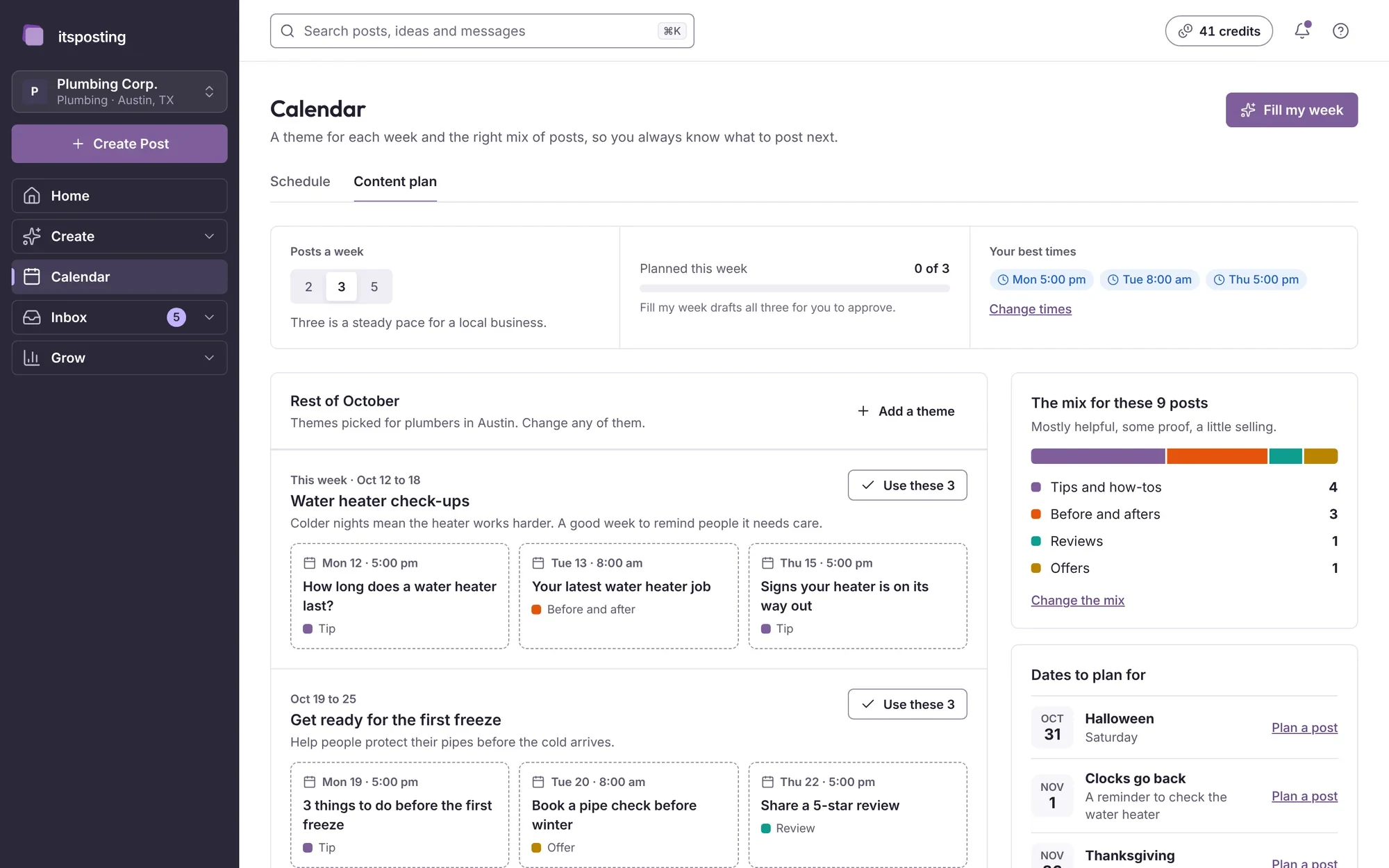
Each week you get posts ready to go: the caption, the image and the best time to post. Change a word, swap a photo or approve them as they are.
- Step 3
It posts while you work
Posts go out on schedule to every account you connect. Each Monday you get a short note on what worked and what to post next.
What should a florist post on social media?
A mix of four things works well: photos of your arrangements, order deadlines for the big days, behind-the-scenes at the market and reviews from happy customers. ItsPosting suggests all four and times them to your busy seasons.
Which platforms matter most for florists?
Instagram and Facebook sell flowers well, because people order what they see, and Google Business Profile brings customers searching for a florist nearby. Time-lapse arrangement clips do well on TikTok.
How often should a florist post?
Three or four times a week is a good pace for most local businesses, with more in your busy months. ItsPosting plans that schedule and keeps it going when you're busy.
Can I use my own bouquet photos?
Yes, and they work best. Upload them from your phone and ItsPosting drops them into your branded templates, with your logo and phone number.
Can I cancel anytime?
Yes. There's no contract, and you keep access until the end of the period you've paid for.
Can ItsPosting remind customers of order deadlines?
Yes. Add each deadline to the calendar and ItsPosting schedules reminders ahead of it, in your colors with your phone number, so customers order in time.
Be the florist they send flowers from
Start free. ItsPosting plans your first month of florist posts in minutes.
Free to start. No credit card. Cancel anytime.