Social media for personal trainers
Personal trainer posts that fill your sessions before January
ItsPosting knows when New Year's resolutions, summer goals and September resets send people looking for a coach, and posts your tips and programs before they decide.
- Free to start
- No credit card
- Cancel anytime
Fix your squat in one move
Strong Start Fitness(512) 555-0117
Six weeks in, and stronger
Strong Start Fitness(512) 555-0117
The January challenge starts Monday
Strong Start Fitness(512) 555-0117
Your year
Posts timed to your busy seasons
Demand for fitness coaching rises and falls through the year. ItsPosting plans posts a week or two before each busy stretch, so you show up when people start searching.
- Peak
- Busy
- Steady
- Quiet
Scroll sideways to see the whole year.
- JanNew Year's resolutionsPeak demand
- FebResolution drop-off, accountabilityBusy demand
- MarSpring starts, summer goalsBusy demand
- AprOutdoor training beginsBusy demand
- MayMemorial Day challengesBusy demand
- JunSummer programsBusy demand
- JulOutdoor workoutsSteady demand
- AugBack to routine, September resetBusy demand
- SepFall reset, new programsPeak demand
- OctHoliday prep challengesSteady demand
- NovHoliday season plansSteady demand
- DecNew Year pre-sales, gift cardsBusy demand
What to post
What ItsPosting posts for personal trainers
A steady mix of photos, useful tips, reviews and the occasional offer. A few ideas from this month:
- One move to fix, in 30 seconds
- A client's first-month check-in
- January challenge: how it works
- A five-star review from a new client
Example posts in Strong Start Fitness' colors
- Tip of the week
Fix your squat in one move
Strong Start Fitness(512) 555-0117
Tip of the weekFix your squat in one move - Client win
Six weeks in, and stronger
Strong Start Fitness(512) 555-0117
Client winSix weeks in, and stronger - New program
The January challenge starts Monday
Strong Start Fitness(512) 555-0117
New programThe January challenge starts Monday - Five-star review
“I finally enjoy working out”
Strong Start Fitness(512) 555-0117
Five-star reviewI finally enjoy working out
How it works
Set up once. Approve in minutes.
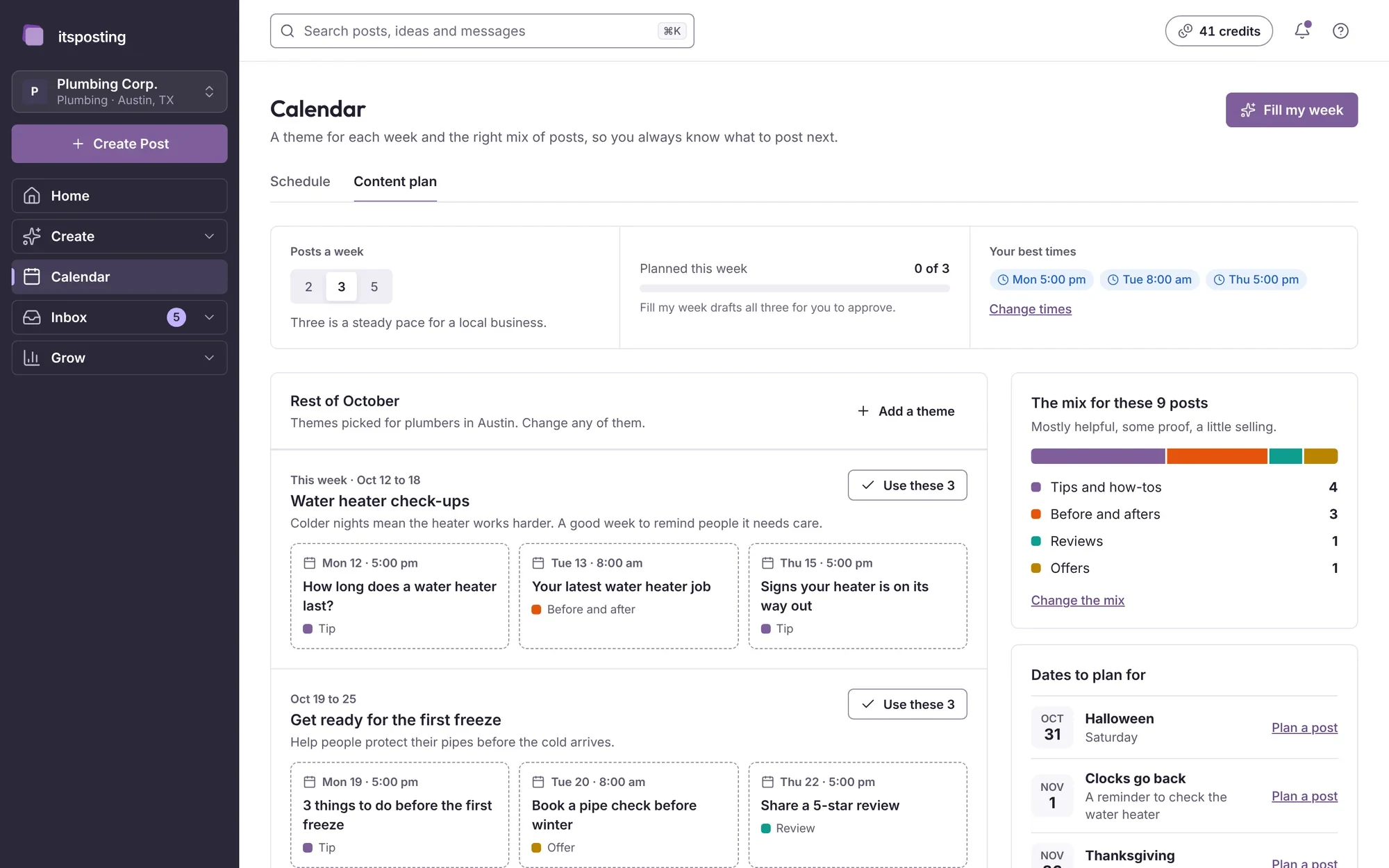
ItsPosting learns your business and your area, then has a week of personal training posts ready for you to approve.
- Step 1
Tell us about your business
Add your website and the programs you offer. ItsPosting reads your site, learns how you talk and builds a brand kit with your logo, colors and phone number.
- Step 2
Review the week's posts
Each week you get posts ready to go: the caption, the image and the best time to post. Change a word, swap a photo or approve them as they are.
- Step 3
It posts while you work
Posts go out on schedule to every account you connect. Each Monday you get a short note on what worked and what to post next.
FAQ
Questions from personal trainers
Still unsure? Ask us anything and a person will reply within 24 hours.
What should a personal trainer post on social media?
A mix of four things works well: short workout tips, client progress (with permission), program launches and reviews from your clients. ItsPosting suggests all four and times them to your busy seasons.
Which platforms matter most for personal trainers?
Instagram and Facebook are where clients find coaches, watch workouts and see results, and Google Business Profile brings people searching for a trainer nearby. Short workout clips do well on TikTok.
How often should a personal trainer post?
Three or four times a week is a good pace for most local businesses, with more in your busy months. ItsPosting plans that schedule and keeps it going when you're busy.
Can I use my own photos?
Yes, and they work best. Upload them from your phone and ItsPosting drops them into your branded templates, with your logo and phone number.
Can I cancel anytime?
Yes. There's no contract, and you keep access until the end of the period you've paid for.
Can I share my clients' results?
Yes, with their permission. Upload their photos and results, and ItsPosting puts them into designs with your logo, so your best work gets shared.
More guides for coaches and creators
Be the trainer they sign up with
Start free. ItsPosting plans your first month of personal training posts in minutes.
Free to start. No credit card. Cancel anytime.