Social media for social media agencies
Agency posts for every client, from one login
ItsPosting keeps each client's brand kit, calendar and accounts in its own workspace, drafts the week's posts and sends them for approval, so your team spends its time on strategy, not on formatting.
- Free to start
- No credit card
- Cancel anytime
Five clients, one login
Northline Social(512) 555-0124
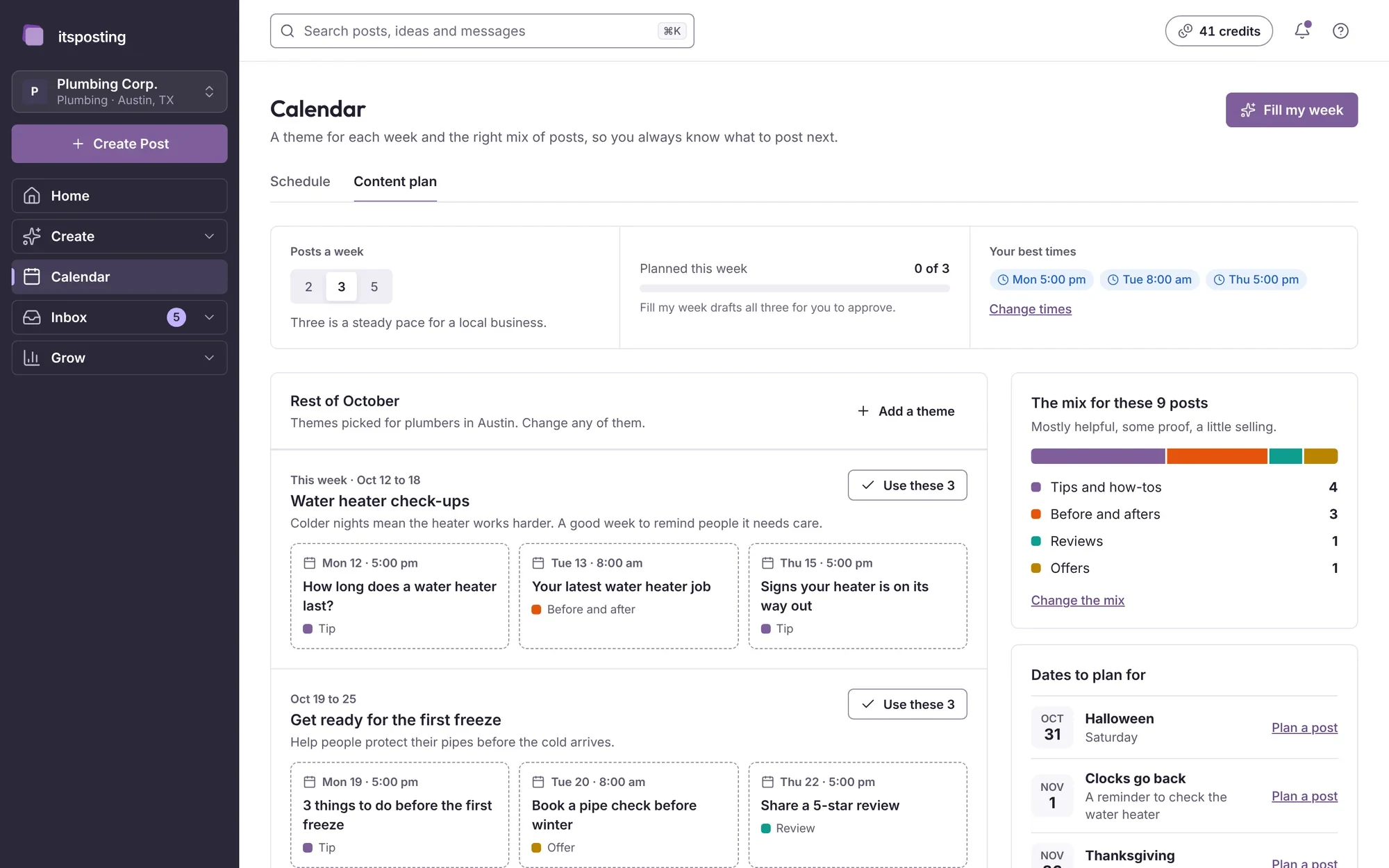
Weekly plans, approved in a tap
Northline Social(512) 555-0124
A seasonal campaign, start to finish
Northline Social(512) 555-0124
Your year
Posts timed to your clients' busy seasons
Your workload rises and falls through the year as your clients' seasons do. ItsPosting plans posts a week or two before each busy stretch, so every client's calendar is full when it counts.
- Peak
- Busy
- Steady
- Quiet
Scroll sideways to see the whole year.
- JanNew-year plans, client reportsBusy demand
- FebValentine's campaignsBusy demand
- MarQuarter reports, spring campaignsBusy demand
- AprSpring promotionsBusy demand
- MayMother's Day, graduationsBusy demand
- JunSummer campaignsBusy demand
- JulMid-year reviewsSteady demand
- AugBack-to-school campaignsBusy demand
- SepFall campaignsBusy demand
- OctHoliday planningPeak demand
- NovBlack Friday campaignsPeak demand
- DecHoliday posts, year-end reportsPeak demand
What to post
What ItsPosting posts for agencies
A steady mix of client wins, practical tips, how you work and reviews from clients. A few ideas from this month:
- A client's seasonal campaign, drafted in minutes
- A weekly plan sent for approval
- A monthly results note for each client
- A five-star review from a client
Example posts in Northline Social's colors
- Client win
Five clients, one login
Northline Social(512) 555-0124
Client winFive clients, one login - Approvals
Weekly plans, approved in a tap
Northline Social(512) 555-0124
ApprovalsWeekly plans, approved in a tap - Case study
A seasonal campaign, start to finish
Northline Social(512) 555-0124
Case studyA seasonal campaign, start to finish - Five-star review
“They never miss a post”
Northline Social(512) 555-0124
Five-star reviewThey never miss a post
How it works
Set up once. Approve in minutes.
ItsPosting learns each client's business and area, then has a week of posts ready for you to send for approval.
- Step 1
Tell us about your business
Add each client's website and what they offer. ItsPosting reads each site, learns how that client talks and builds a brand kit with their logo, colors and phone number.
- Step 2
Review the week's posts
Each week you get posts ready to go: the caption, the image and the best time to post. Change a word, swap a photo or approve them as they are.
- Step 3
It posts while you work
Posts go out on schedule to every account you connect. Each Monday you get a short note on what worked and what to post next.
What should an agency post on social media?
For your own agency, a mix of four things works well: client wins (with permission), practical tips, behind-the-scenes of your process and reviews from clients. ItsPosting suggests all four and times them to your busy seasons.
Which platforms matter most for agencies?
Each client's best platforms differ, so ItsPosting posts to the five accounts they connect: Facebook, Instagram, Google Business Profile, LinkedIn and TikTok. Local service clients usually lean on Facebook and Google Business Profile, and shops and creators on Instagram and TikTok.
How often should an agency post?
Three or four times a week is a good pace for most local businesses, with more in your busy months. ItsPosting plans that schedule and keeps it going when you're busy.
Can I use my own client photos?
Yes, and they work best. Upload them from your phone and ItsPosting drops them into your branded templates, with your logo and phone number.
Can I cancel anytime?
Yes. There's no contract, and you keep access until the end of the period you've paid for.
How do client approvals work?
Draft the week's posts in a client's workspace and send them for approval. Only approved posts go out.
More guides for agencies and multi-location
Be the agency that never misses a post
Start free. ItsPosting plans your first month of posts in minutes.
Free to start. No credit card. Cancel anytime.